ArtCraft: A Free Open Source Alternative to Adobe Apps
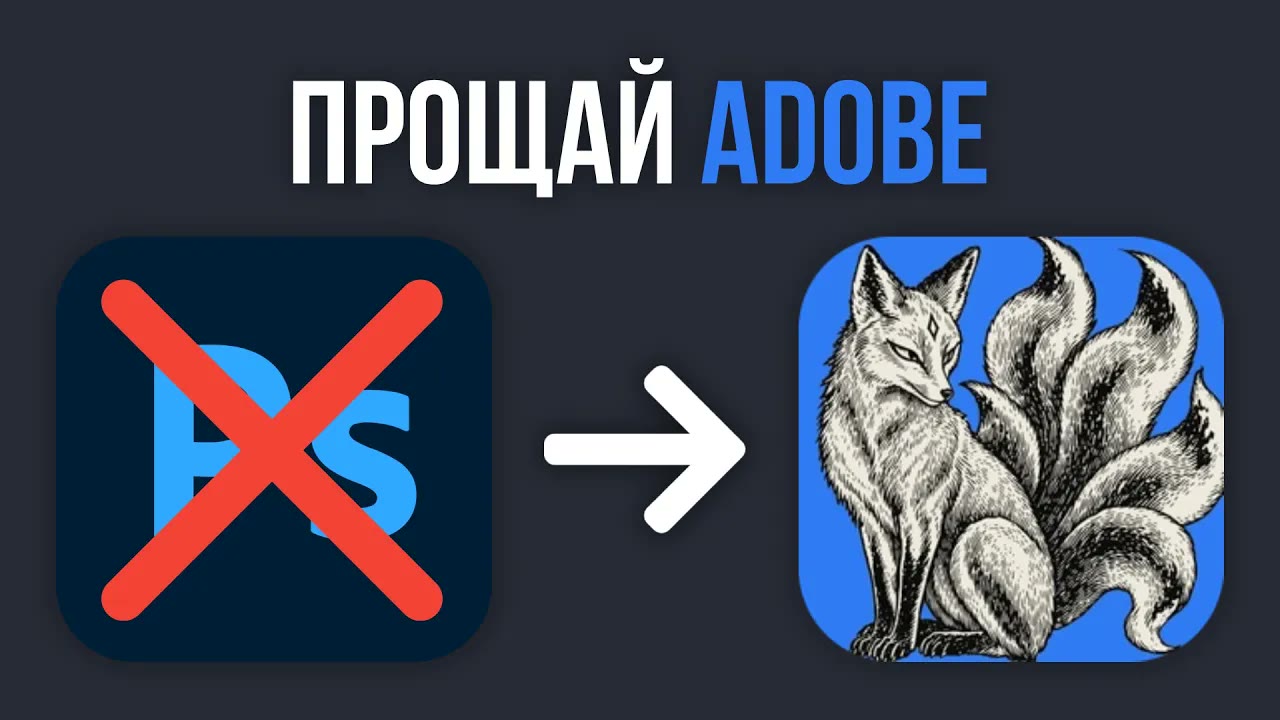
The most common argument against Linux in the comments under my videos always sounds the same: "there's no Photoshop." For years the answer was awkward. GIMP and Krita are good programs, but they are different programs with their own logic, and someone with ten years of Adobe habits honestly doesn't want to relearn everything just to switch operating systems.
ArtCraft changes the conversation itself. It is a family of free open source apps that recreate not the general "idea of a photo editor" but specific products: Photoshop, Premiere Pro, After Effects, Illustrator, Word, Excel and even AutoCAD. The same panels, the same keyboard shortcuts, real PSD files — and builds for Linux, Windows, macOS, FreeBSD and the browser.
I installed PhotoCraft and FilmCraft, opened real projects in them and read through the repositories along the way. Below is what already works, what I described too optimistically in the video, and who should switch right now.
What ArtCraft and the Crafting Apps are
Two things live under the ArtCraft brand, and they are easy to confuse.
ArtCraft is an AI studio for generating and editing images and video. The Crafting Apps are a set of standalone applications from the same team, and they are the reason I recorded the video. All of them are written from scratch in Rust, released under MIT/Apache-2.0 licenses and published in the open storytold organization on GitHub.
One important detail is the clean-room approach. The authors don't use Adobe or Microsoft code, shaders or assets: behavior is recreated from public specifications and from observing the originals. That is exactly why the project can exist in the open instead of being yet another "cracked build."
At the time of writing, the lineup has thirteen apps:
| App | Similar to | Used for |
|---|---|---|
| PhotoCraft | Photoshop | raster graphics, layers, PSD |
| VectorCraft | Illustrator | vector illustration |
| FilmCraft | Premiere Pro | editing, color and sound |
| EffectCraft | After Effects | motion graphics and compositing |
| LightCraft | Lightroom | photo library and RAW development |
| DesignCraft | InDesign | page layout and publishing |
| PdfCraft | Acrobat | reading and editing PDFs |
| WordCraft | Word | documents |
| GridCraft | Excel | spreadsheets |
| DeckCraft | PowerPoint | presentations |
| CADCraft | AutoCAD | drafting and design |
| SoundCraft | Pro Tools | audio production |
| FigCraft | Figma | interface design and prototyping |
You don't have to install them one by one: the family has its own launcher, similar to Creative Cloud. It shows the catalog, installs the apps you pick and keeps them updated.
Why this matters more than another "Photoshop alternative"
A typical alternative forces you to change your habits. Here the goal is the opposite: if you know Photoshop, your hands already know where the tools are. For users, that means three practical things.
No subscription. The full Adobe suite costs hundreds of dollars a year. Yet most people I know use just Photoshop or just Premiere — and not for commercial retouching, but to add a caption, crop an image or convert a file. Paying monthly for that is strange.
Linux without workarounds. Adobe hasn't shipped Linux versions for decades, so users were left with Wine, virtual machines or online editors. PhotoCraft ships an AppImage, a Flatpak, .deb, .rpm and a tarball, and not only for x86_64 but for ARM64 too.
Open source code you can adapt. For me this is the main argument. Right now I make simple YouTube thumbnails in Photopea — it's enough for me. But in an open editor I can add my own tab, my own effect, or connect a neural network that analyzes thumbnail composition. You can't build that into closed Photoshop.
PhotoCraft: what I tested in practice
For the test I took the AppImage from the latest release and found someone else's layered PSD with an interface mockup online — on purpose, so I wouldn't make things easy for the app with my own file.
Through File → Open the document loaded with all its layers. I hid and showed layers, went into a text layer and rewrote the caption — the text stayed editable instead of turning into pixels. Then I went through the basics: the lasso, the crop frame, the clone stamp, gradients and fills behave the way you'd expect after Photoshop.
Next I tried filters: I created a new layer, painted a spot with a large brush, applied a blur from the filters menu and lowered the layer opacity. Everything worked without surprises. Even the interface theme changes the familiar way — through Preferences → Interface.
According to the documentation, the feature set is broader than what I managed to show in the video:
- about seventy tools, including Magic Wand, Object Selection and Content-Aware Move;
- adjustment layers (Curves, Levels, Vibrance and others), masks, smart objects and smart filters;
- layer styles: shadows, glows, strokes, overlays;
- RGB, CMYK and Lab documents at 8, 16 and 32 bits per channel;
- PSD and PSB, layered TIFF, and import of Krita, Paint.NET and OpenRaster files.
The way the authors test PSD support is especially impressive. On the psd-tools test set, opening and re-saving preserves the rendering of 307 out of 309 files, and anything the editor can't model yet is carried over into the file intact rather than dropped. If you exchange files with Photoshop designers, that is critical.
FilmCraft and the office apps
I know Premiere Pro well, so the second app I installed was FilmCraft — this time through the launcher from the website: I picked the app, clicked install and opened it right from there.
The interface is instantly recognizable: properties on the right, assets on the left, effects and metadata panels, and projects with folders at the bottom. I played a test project with transitions and stacked effects — playback behaved the way it does in Premiere. FX opens the effect parameters, and there is a separate audio mode. The library is already substantial: audio effects, audio transitions, video effects and video transitions.
Under the hood, FilmCraft is built "from the bitstream up": the H.264, HEVC, ProRes and AAC decoders are its own, written from public specifications. Hardware decoding works on macOS and Windows, and for H.264 and HEVC on Linux as well. For Linux users it is a potential replacement for Kdenlive — especially if you used to live in the Premiere plus After Effects combo and don't want to relearn.
WordCraft, GridCraft, DeckCraft and CADCraft open familiar formats: .docx, .xlsx, presentations and even .dwg drawings. This is the youngest part of the ecosystem, so here I would count on viewing and simple editing rather than complex documents with macros.
Installing on Linux
The easiest route is the app page on getartcraft.com or the launcher. If you need a specific build, grab it from the GitHub releases.
The AppImage needs no installation:
chmod +x photocraft-*-linux-x86_64.AppImage
./photocraft-*-linux-x86_64.AppImage
The Flatpak runs in a sandbox and needs the freedesktop runtime from Flathub:
flatpak install --user photocraft-*-linux-x86_64.flatpak
flatpak run ai.storyteller.photocraft
On Debian and Ubuntu, use the .deb:
sudo apt install ./photocraft-*-linux-x86_64.deb
Building from source makes sense if you want to change the code:
git clone https://github.com/storytold/photocraft
cd photocraft
cargo run --release -p photocraft
One trap for Wayland users: dragging files into the window doesn't work yet because of a limitation in the windowing library. Open files through the menu, or launch the app under XWayland:
WAYLAND_DISPLAY= ./photocraft-*-linux-x86_64.AppImage
Neural networks, CLI and automation
In the video I said you can connect a neural network to these apps. The mechanism is more interesting than a chat panel on the side.
In PhotoCraft, every interface action is a command from a shared registry of more than five hundred commands. The same commands are called by a menu button, the command-line tool, the JSON control channel and the MCP server. So anything you can do with a mouse, a script or an AI agent such as Claude Code or Codex can do too.
Headless batch processing looks like this:
photocraft-cli batch --actions grade.json --in ./raw --out ./graded
And the MCP server starts with a single command:
photocraft-cli mcp
The practical scenario for me is thumbnails. An agent can assemble several composition variants, name the layers and export them to PNG, and then I pick one and finish it by hand. It's important to understand the boundary: the agent automates the editor's actions, but it doesn't replace taste. There is no Photoshop-style generative fill in PhotoCraft yet — it is explicitly listed among the gaps, although the community is already building bridges to a local ComfyUI.
An honest status: where the video was too optimistic
I recorded the video on the excitement of the first launch, so let me correct three points here.
It's an early alpha. The PhotoCraft authors themselves state that the app is not yet a Photoshop replacement for daily professional work. The biggest gaps are AI and generative features, about fifteen tools that aren't implemented yet, depth in typography and pro workflows, and plug-in compatibility. CADCraft is labeled as early development, and the launcher is also an alpha.
The size is a bit larger than I said. In the video I mentioned 50 MB. The current PhotoCraft 0.10 AppImage weighs about 79 MB, and the Flatpak about 62 MB. That is still an order of magnitude smaller than a Creative Cloud installation, but the number should be accurate.
It's no longer a one-person project. Most of the code really is written by one lead developer, and the pace is insane: the first Crafting Apps repositories appeared at the end of September 2026, and releases ship almost daily. But PhotoCraft already has more than three hundred contributors, and the repository itself has tens of thousands of stars.
Security: why it matters at all
The most underrated advantage of ArtCraft isn't the savings — it's the chance to stop using pirated builds. A "Photoshop without activation" downloaded from a shady site is a classic way to get a password stealer or become part of a botnet.
With an open project, the hygiene is simple:
- Download builds only from the GitHub releases page or the official website.
- Check the checksum against
SHA256SUMS.txtfrom the same release:sha256sum -c SHA256SUMS.txt --ignore-missing. - If you want isolation, choose the Flatpak.
- The Windows and macOS builds are signed, and the macOS version is also notarized by Apple — a system warning about an unknown developer is a reason to be suspicious here.
You can ask a neural network to review the source before updating, but don't confuse that with a security audit. An agent is useful for quickly understanding what changed between versions, while trust in a build still comes from the official source and hash verification.
Who should switch and who should wait
Switch now if you use Photoshop or Premiere occasionally: captions, cropping, simple thumbnails, basic editing. All the more so if you're on Linux and tired of Wine.
Try it in parallel if you are a designer exchanging PSDs with a team. Opening and re-saving files is already serious, but keep the original Photoshop at hand for final delivery.
Wait if your work depends on plug-ins, generative features, complex print color work or corporate documents with macros. An alpha shouldn't be the only tool in a commercial project with a deadline.
My conclusion: ArtCraft is the first project after which the "there's no Photoshop on Linux" argument stops working. Not because everything is already perfect, but because there is now an open, fast and familiar foundation that improves with every release. If you're building your own set of free tools, also see 20 open source programs that replaced paid software for me and open source alternatives to Figma, Airtable and Mailchimp. And if you are only thinking about switching, start with the story of why I moved from Windows to Linux.