uv for Python: Replacing pip, Poetry and pyenv With One Tool
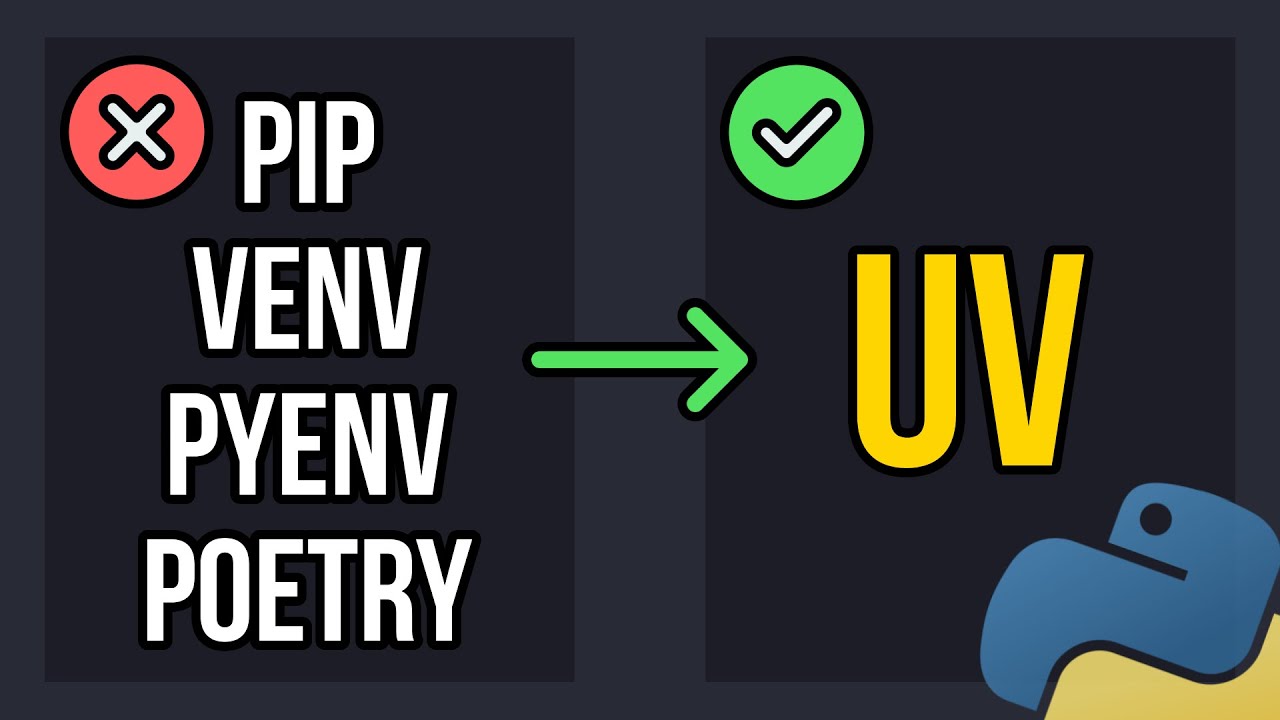
Not long ago a typical Python project needed a whole zoo: venv or virtualenv for the environment, pip and requirements.txt for dependencies, pip-tools or Poetry for a lock file, pyenv for different Python versions, pipx for utilities like linters. Each tool with its own commands and its own breakages. I used Poetry for a long time, and more than once it broke itself during an update.
uv from Astral, the authors of the Ruff linter, replaces all of that with one fast binary. Below: what exactly it can do, how to move a project to it, and why I'm gradually switching to it myself. By the way, the backend of this platform is built with uv too.
What uv replaces
uv covers the jobs of several tools at once:
| Task | Before | In uv |
|---|---|---|
| Installing packages | pip | uv add, uv pip install |
| Lock file and exact versions | pip-tools, Poetry | uv lock, uv sync |
| Virtual environment | venv, virtualenv | created automatically |
| Several Python versions | pyenv | uv python install |
| Isolated utilities | pipx | uv tool install, uvx |
| Building and publishing a package | build, twine | uv build, uv publish |
The second argument is speed. uv is written in Rust and makes heavy use of a global cache. According to its developers it's 10–100 times faster than pip, and in their benchmarks it's well ahead of Poetry too, especially for installs from scratch without a cache. The difference is most noticeable in Docker and CI, where dependencies get installed dozens of times a day.
Installing and updating
On Linux and macOS:
curl -LsSf https://astral.sh/uv/install.sh | sh
On Windows, via PowerShell:
powershell -ExecutionPolicy ByPass -c "irm https://astral.sh/uv/install.ps1 | iex"
uv can also be installed via pip, pipx and distribution package managers. Updating is a single command, no reinstall needed:
uv self update
The documentation at docs.astral.sh/uv is more detailed than the repository README — better to start there.
A new project and dependencies
In the project directory:
uv init
uv creates pyproject.toml, .python-version, README.md, a sample main.py and .gitignore. pyproject.toml contains the project name (taken from the directory name), the version, the required Python version and an empty dependency list. To create a project for a specific Python version right away:
uv init example --python 3.11
Adding and removing dependencies:
uv add requests
uv remove requests
On the first uv add you get a .venv directory with a regular virtual environment and a uv.lock file with the exact versions of all packages and their dependencies. Reinstalling a package from the cache takes a fraction of a second.
The lock file and reproducibility
uv.lock is the main reason to switch. It pins the versions and hashes of all packages, including transitive ones. If you copy pyproject.toml, uv.lock and the code into a new directory, a single command is enough:
uv sync
uv creates the environment and installs exactly the same versions you had. This protects you from the "works on my machine but not on the server" situation: a new library version with a changed API no longer shows up unexpectedly. The lock file should be committed to git, and you can refresh it with uv lock — for example, in a pre-commit hook.
To see the dependency tree:
uv tree
Running code with uv run
A common beginner mistake: a package was added with uv add pandas, but python main.py fails with ModuleNotFoundError. The reason is that the system interpreter doesn't know about the project's .venv. The right way to run it:
uv run main.py
uv run main.py --input data.csv     # arguments are passed as usual
uv run checks that the environment is in sync with the lock file and runs the code inside it. There's no need to activate the environment manually.
Python versions instead of pyenv
uv can download and switch interpreters, including PyPy:
uv python list                  # installed and available versions
uv python install 3.13          # install a version
uv python uninstall 3.13        # remove it
uv run --python 3.12 main.py    # run once on a different version
uv python pin 3.13              # default version for the project
uv python pin rewrites .python-version. If the version doesn't match the requires-python constraint in pyproject.toml, uv tells you what to fix. When the version changes, uv recreates the environment itself — no need to delete .venv by hand.
Utilities via uvx and tool install
Linters, formatters and other CLI utilities don't need to be project dependencies:
uvx ruff check .            # run Ruff in a temporary isolated environment
uv tool install ruff        # install a utility globally but in isolation
The utility works in any directory but doesn't end up in any project's dependencies. It's a direct replacement for pipx.
uv in Docker and CI
uv has official Docker images, and in a Dockerfile it's convenient to copy it in as a ready binary:
FROM python:3.13-slim
COPY --from=ghcr.io/astral-sh/uv:0.13.4 /uv /uvx /bin/

WORKDIR /app
COPY pyproject.toml uv.lock ./
RUN uv sync --frozen --no-dev
COPY . .
CMD ["uv", "run", "main.py"]
The --frozen flag forbids changing the lock file during the build, and --no-dev skips development dependencies. It's better to pin the image tag to a specific version rather than latest, so the build doesn't change on its own. For GitHub Actions there's the official astral-sh/setup-uv action, and the documentation covers integrations with pre-commit, Docker Compose, FastAPI and Jupyter.
Downsides and what to watch out for
- A young tool. uv evolves very fast, and commands and behavior sometimes change between versions — read the changelog when updating.
- Its own lock format.
uv.lockisn't read directly by Poetry or pip; for older systems you can export arequirements.txtwithuv export. - Habits. Running
python main.pywithoutuv runwill use the wrong environment — you need to remember that once.
Conclusion
uv replaces pip, pip-tools, Poetry, pyenv, pipx and virtualenv with one tool and does it noticeably faster. The lock file gives reproducible installs, uv run frees you from activating environments by hand, and Python version management is built in. For a new project I'd start with uv right away, and an old one can be migrated in an evening: uv init, move the dependencies over with uv add, commit uv.lock.
If you're organizing a project and want the code inside to be as tidy as its environment — classes, modules, SOLID and design patterns are covered in my Python OOP course. And for backing up the projects themselves, the Syncthing and 3-2-1 rule combo comes in handy.