if __name__ == "__main__" in Python: How It Works and Why
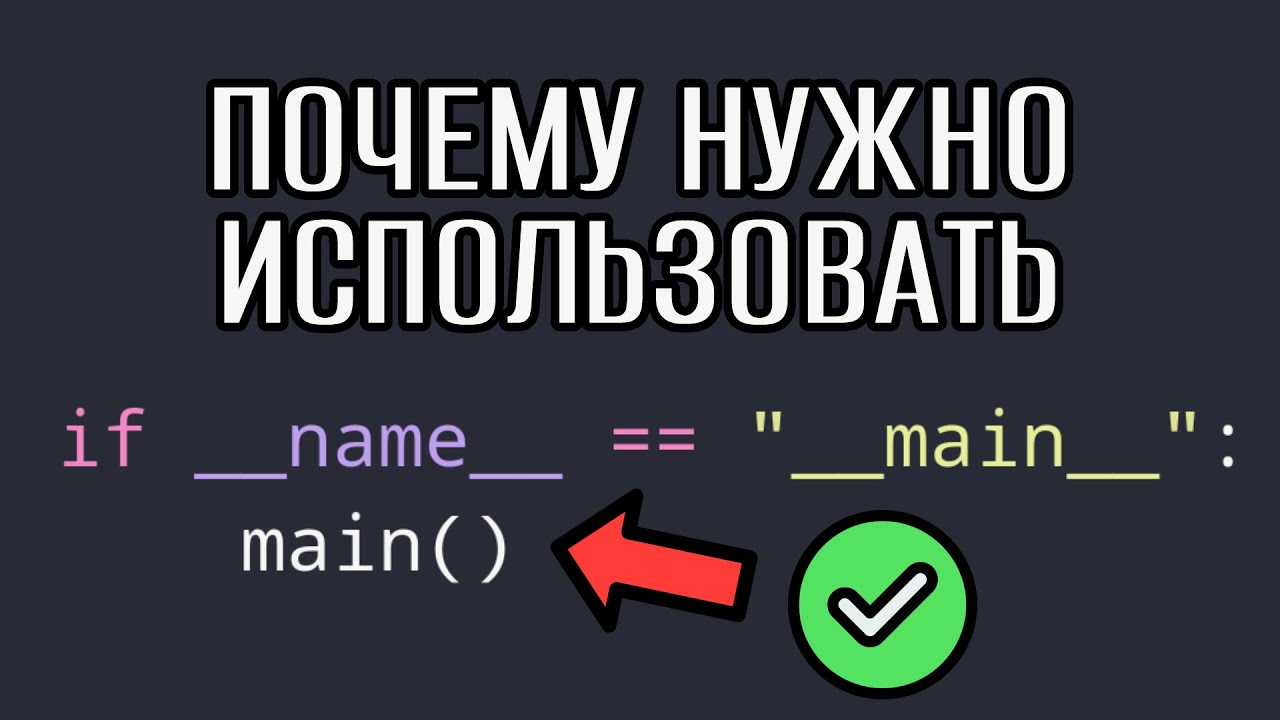
The line if __name__ == "__main__": shows up in almost every Python project, and almost every beginner asks: why? You can just write code in the file and it will run. You can — as long as nobody imports the file and you don't start processes. Beyond that, without this check you get errors you can spend days debugging.
Let's look at how if __name__ == "__main__" works, where __name__ comes from, why you need an entry point, and which two errors happen most often without it.
The entry point: where the idea comes from
In many languages — C, C++, C#, Java — a program starts executing from the main function. Even an executable file has an entry point where the CPU starts running code. In Python you can do without it: the interpreter simply runs the file line by line from top to bottom.
But Python also has a conventional way to mark the entry point:
def main() -> None:
    print("The program has started")


if __name__ == "__main__":
    main()
There are two reasons: it's a standard any developer understands, and it's a way to know how the file was launched — directly or imported as a module.
What __name__ is
When Python loads a module, it creates a set of global variables for it. You can see them with globals() — a dictionary whose keys include __name__.
The value depends on how the file was launched:
- if the file is run directly (
python main.py),__name__ == "__main__"; - if the file is imported (
import tools),__name__equals the module name —"tools".
Let's check with two files:
# tools.py
print(f"tools: __name__ = {__name__}")
# main.py
import tools

print(f"main: __name__ = {__name__}")
$ python main.py
tools: __name__ = tools
main: __name__ = __main__
That's exactly the value the if __name__ == "__main__" condition checks.
Why you need it: a file as a program and as a library
Say the poster.py module has a function that posts to Telegram, another function, and an entry point that calls both:
# poster.py
def post_to_telegram(text: str) -> None:
    print(f"Posting: {text}")


def cleanup_old_posts() -> None:
    print("Deleting old posts")


def main() -> None:
    post_to_telegram("A new post")
    cleanup_old_posts()


if __name__ == "__main__":
    main()
Run python poster.py — both functions execute. And in another file you can import just what you need:
from poster import post_to_telegram

post_to_telegram("Hello from another script")
Without the __name__ check, importing would run all the top-level code — including deleting posts, which you don't want here at all. The check lets one file be both a program and a library at the same time.
Preventing a file from being used as a library
Sometimes it's the other way around: the file is a finished program, for example a post processor, and it shouldn't be imported as a module. You can say so explicitly:
if __name__ == "__main__":
    main()
else:
    raise ImportError("poster.py is a program, not a library. Run it directly.")
What to do in the else branch is up to you: raise an error, show a warning or simply do nothing.
Error 1. Global variables without an entry point
If all the code sits at the top level of the file, all its variables are global. Add a star import:
from helpers import *

limit = 10
# ... hundreds of lines ...
print(limit)  # what if helpers also has a limit, or an imported function changes it?
An imported module can bring in a variable or function with the same name, and your value gets silently overwritten. Such a bug takes a long time to find. If the code is wrapped in a main function or a class, its variables are local, and these conflicts can't happen.
Error 2. Processes and endless restarts
The most common request for help I get: "my program with several processes crashes, but works on another system". Almost always one line is missing.
from multiprocessing import Process


def work(n: int) -> None:
    print("worker", n)


p = Process(target=work, args=(1,))
p.start()
p.join()
With the spawn start method, the child process re-imports the main module. Without the __name__ check it reaches Process(...).start() again and tries to start a new process, which would lead to an endless chain. Python stops this with an error:
RuntimeError: An attempt has been made to start a new process before the
current process has finished its bootstrapping phase.
spawn is the default on Windows and macOS, and since Python 3.14 the default on Linux has become forkserver, which requires the same. So code that used to work only on Linux can now fail everywhere. The fix is one line:
if __name__ == "__main__":
    p = Process(target=work, args=(1,))
    p.start()
    p.join()
__main__.py and running packages
A similar idea works for packages. If you put a __main__.py file in a package, you can run the package with python -m package_name: Python executes exactly that file, and inside it __name__ is also "__main__". Many tools work this way, for example python -m venv or python -m http.server.
Summary
| Question | Answer |
|---|---|
What's in __name__ when run directly |
"__main__" |
| What when imported | The module name |
| Why the check | To separate running as a program from importing as a library |
| What breaks without it | Extra code on import, global name conflicts, processes |
| How to structure it | Logic in main(), called under if __name__ == "__main__" |
Two lines of code save hours of debugging. A good habit is to keep logic in functions and classes from the start and leave only the entry point at the top level. How to split a program into modules so imports bring no surprises is covered in detail in my Python OOP course. And if you're curious how Python spends memory on collections, take a look at why a Python list can eat all your memory.