18 Lesser-Known Python Features for Cleaner Code
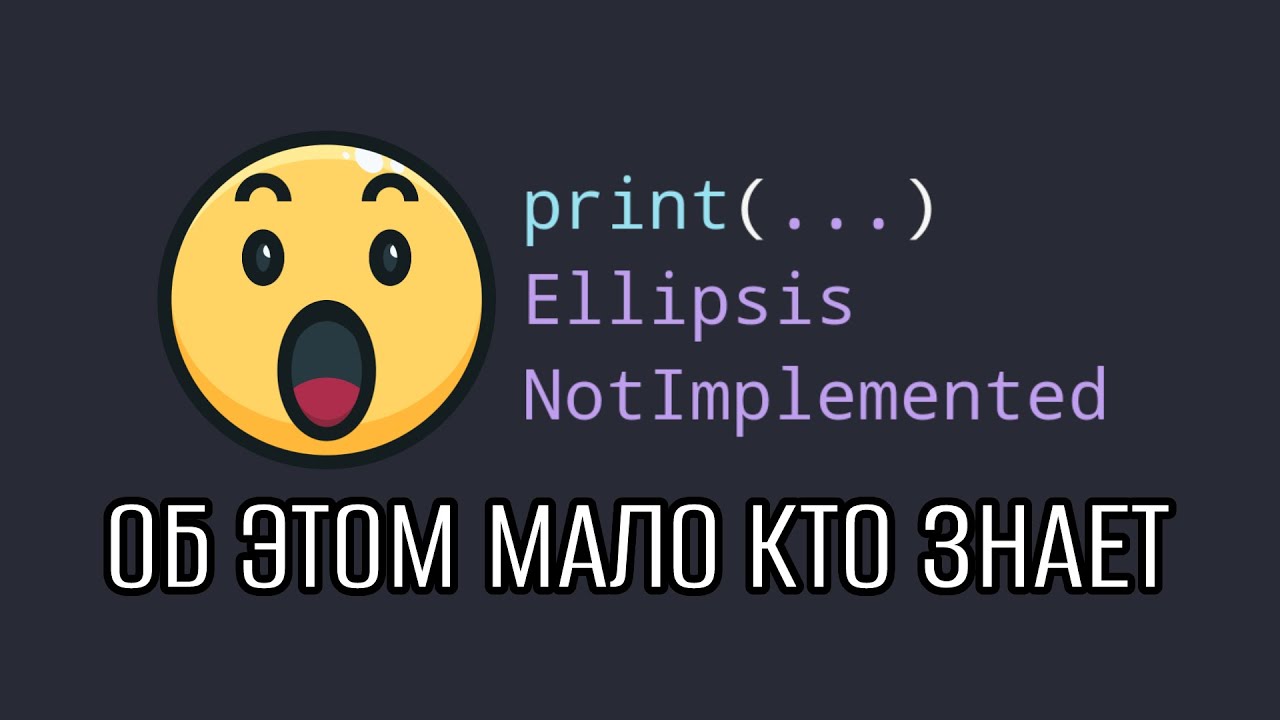
You can write Python for years and not know half of what the language can do out of the box. Much of it isn't exotic but things that make code shorter and clearer: placeholders with ..., dataclasses instead of boilerplate classes, comprehensions for dicts and sets, merging dictionaries in one operation.
Below are 18 lesser-known Python features, grouped by topic. Where a feature is often misused, I show the right way separately.
Placeholders: Ellipsis and NotImplemented
1. Ellipsis — the three dots as a value
... is the Ellipsis object, a full-fledged value in Python. It's used as a placeholder in a function body that hasn't been written yet:
def export_report():
    ...
It works just like pass, but visually it says right away: "the implementation goes here". ... also shows up in numpy slicing (array[..., 0]) and in type hints: tuple[int, ...] is a tuple of integers of any length, Callable[..., str] is a function with any arguments.
2. NotImplemented and NotImplementedError — don't mix them up
These are different things. NotImplemented is a special value returned by comparison and arithmetic methods when they can't handle the type of the other operand. Python then tries the operation from the other side:
class Money:
    def __init__(self, value):
        self.value = value

    def __eq__(self, other):
        if not isinstance(other, Money):
            return NotImplemented
        return self.value == other.value


print(Money(1) == Money(1))  # True
print(Money(1) == 1)         # False
To show that a function or method isn't implemented yet, you raise an exception: raise NotImplementedError. Returning NotImplemented from a regular function is a mistake: the caller gets a strange value instead of a clear exception.
Classes and data
3. Dataclasses
For classes that mostly hold data there's @dataclass. It generates __init__, __repr__ and __eq__ for you:
from dataclasses import dataclass


@dataclass
class User:
    name: str
    age: int


print(User("Anna", 30))                        # User(name='Anna', age=30)
print(User("Anna", 30) == User("Anna", 30))   # True
You get an analog of structs from other languages: less boilerplate, readable output when debugging, comparison out of the box, and type annotations that document the fields right away.
4. The this module
Run import this — and Python prints "The Zen of Python": 19 principles for writing code. "Explicit is better than implicit", "simple is better than complex", "readability counts". It's not a joke but a good reference point in code reviews.
Functions
5. Anonymous functions
lambda creates a function without a name. You can store it in a variable, pass it to another function or call it on the spot:
print((lambda a, b: a + b)(2, 3))  # 5
users.sort(key=lambda user: user.age)
A lambda lives as long as something references it. It's handy for short sort keys and handlers. If the logic is longer than one line, a regular named function is better.
6. Decorators
A decorator wraps a function with extra behavior: logging, timing, sending a notification. Instead of copying the same line into every function, you write the wrapper once:
import functools


def log_calls(func):
    @functools.wraps(func)
    def wrapper(*args, **kwargs):
        print(f"call {func.__name__}{args}")
        return func(*args, **kwargs)
    return wrapper


@log_calls
def add(a, b):
    return a + b
Don't forget functools.wraps: without it the wrapped function loses its name and docstring. And always return the result of func(...) — otherwise the decorator silently "breaks" the function, and it starts returning None.
7. Returning several values
A function can return several values separated by commas — under the hood it's a tuple that's convenient to unpack:
def stats(numbers):
    return min(numbers), max(numbers), sum(numbers) / len(numbers)


low, high, average = stats([1, 2, 3])
8. Unpacking arguments with * and **
A list can be passed as positional arguments with *, and a dict as keyword arguments with **:
def connect(host, port):
    return f"{host}:{port}"


connect(*["db", 5433])
connect(**{"host": "localhost", "port": 5432})
Correspondingly, *args and **kwargs in a function definition collect arbitrary positional and keyword arguments.
Comprehensions and generators
9. List comprehensions
A three-line loop with append turns into one line:
squares = [x * x for x in range(10)]
10. Set and dict comprehensions
The same syntax works with curly braces: without a colon you get a set, with a colon a dict:
remainders = {x % 3 for x in range(10)}        # {0, 1, 2}
square_map = {x: x * x for x in range(4)}      # {0: 0, 1: 1, 2: 4, 3: 9}
11. Generator expressions instead of "tuple comprehensions"
Round brackets don't create a tuple but a generator — a lazy sequence that yields values one at a time:
gen = (x * x for x in range(10))
values = tuple(x * x for x in range(10))  # if you actually need a tuple
12. Conditions in comprehensions
You can add a filter after the loop, including a compound one:
evens = [x for x in range(10) if x % 2 == 0 and x > 2] # [4, 6, 8]
Small things that save lines
13. Swapping values without a temporary variable
a, b = 1, 2
a, b = b, a
14. The last result in the REPL
In the interactive Python shell the _ variable holds the result of the last expression: compute 2 * 2, then _ + 2 gives 6. It only works in the REPL and IPython — in scripts _ is an ordinary variable.
15. Checking the interpreter version
If a library or syntax is only available from a certain version, check sys.version_info:
import sys

if sys.version_info >= (3, 9):
    merged = defaults | overrides
else:
    merged = {**defaults, **overrides}
That way you can load a suitable implementation or show a clear message instead of crashing with an obscure error.
16. Merging dictionaries
Unpacking works in any modern version, and the | operator since Python 3.9. When keys collide, the value from the right dictionary wins:
x = {"a": 1}
y = {"b": 2, "a": 3}
print({**x, **y})  # {'a': 3, 'b': 2}
print(x | y)       # the same
17. Slices with a step
The slice [start:stop:step] takes elements from start to stop, excluding stop, with the given step. A negative step goes backwards:
s = [1, 2, 3, 4, 5]
print(s[0:5:2])        # [1, 3, 5]
print(s[::-1])         # [5, 4, 3, 2, 1]
print("hello"[::-1])   # olleh
18. Removing duplicates and an object's size
The shortest way to remove duplicates is a set: list(set(items)). But a set doesn't keep order. If order matters, use a dict — since Python 3.7 it preserves insertion order:
items = [3, 1, 3, 2, 1]
print(list(set(items)))            # order not guaranteed
print(list(dict.fromkeys(items)))  # [3, 1, 2]
And to find out how much memory an object takes, use sys.getsizeof(obj). Keep in mind that it only measures the object itself: for a list that's the array of references without the nested elements.
Summary
Most of these features need no third-party libraries and make code shorter right away. The key is to use them as intended: NotImplemented only in comparison methods, lambda only for short expressions, set for deduplication only when order doesn't matter. How small details like these affect memory is covered in why a Python list can eat all your memory. And dataclasses, magic methods like __eq__ and decorators are covered in detail in my Python OOP course.